How to Mass Delete MyAnimeList Posts, Reviews, and Lists
5 min read
Whether you’re retiring an old taste, hiding cringe-era reviews, or curating a cleaner public profile, Redact helps you bulk delete your MyAnimeList content with ease. From anime and manga lists to personal blogs and reviews, you stay in full control of what reflects your fandom.
Here’s how to clean up your MAL history using Redact.
Please note – mass deleting your MyAnimeList content using Redact requires a Redact Premium subscription. You can try Redact for free on Twitter/X, Discord, Reddit and Facebook!
Why Use Redact for MyAnimeList?
Redact offers fine-tuned control over your MyAnimeList data. Instead of manually deleting entries one by one, you can:
-
Search by keyword, date, or content type
-
Filter precisely to avoid losing posts you want to keep
-
Delete your entire anime and manga history if needed
-
Use Preview Mode to see what will be deleted
-
Run Select & Delete Mode for manual post control
1. Download and Install Redact
First, head over to Redact.dev and download the app. It’s available for both Windows and macOS.

2. Connect Your MyAnimeList Account
Follow the secure authentication steps to connect your account to Redact.dev.
In Redact.dev, select MyAnimeList from the list of supported platforms.

3. Choose What to Delete
Redact lets you select specific types of content in your MyAnimeList account:
-
Anime Lists
-
Manga Lists
-
Blog Posts
-
Reviews
You can target one type or remove everything at once, depending on your cleanup needs.

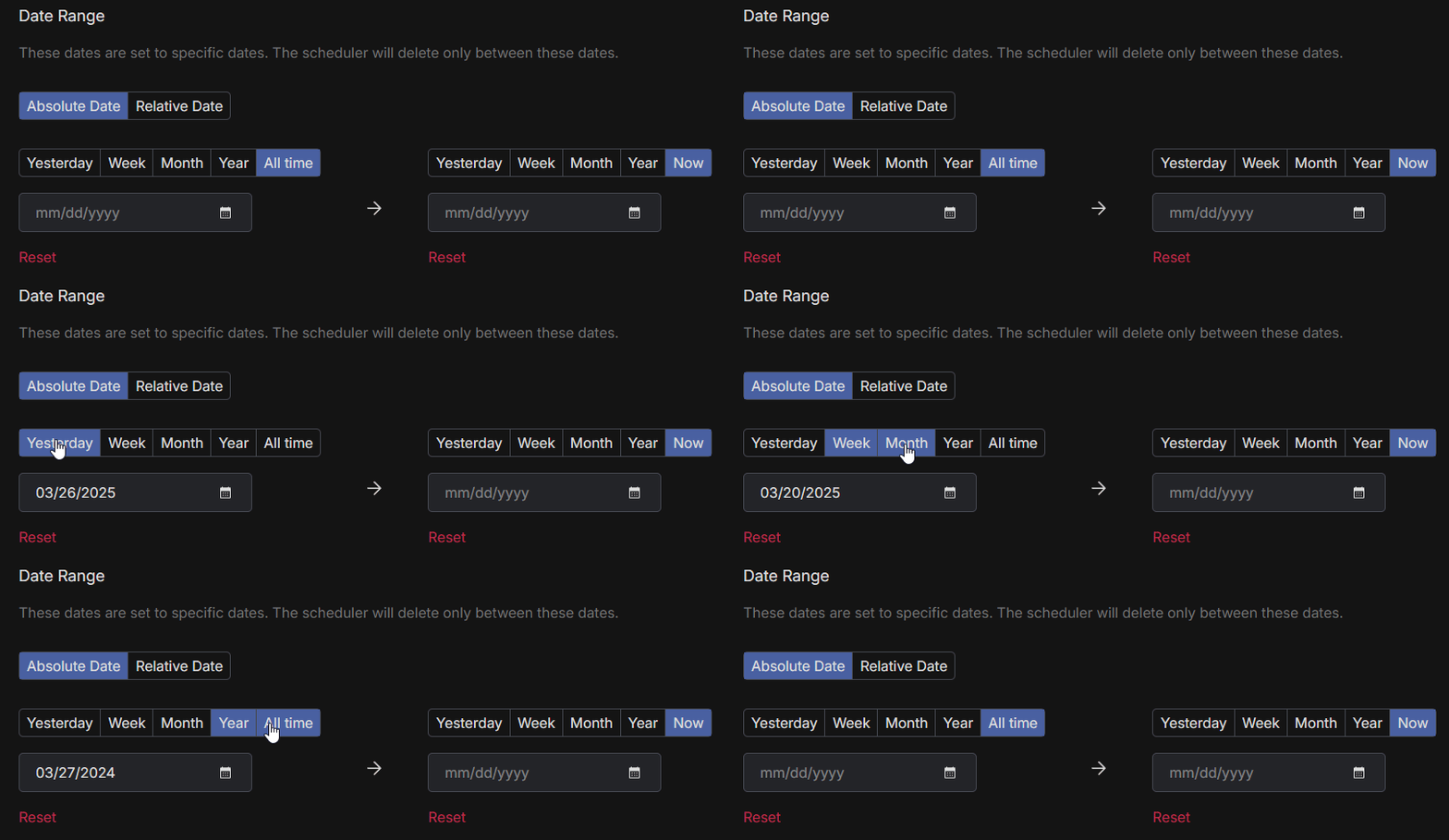
4. Filter by Date Range
If you want to remove content from a particular time period:
-
Set a Start Date to delete posts after that point
-
Set an End Date to remove older content
-
Use the calendar tool to easily select the month or year
-
Click the Reset button to clear your filters
Perfect for deleting posts tied to specific events or outdated opinions.
5. Delete by Post Title or Body Content
Redact allows you to:
-
Delete content based on keywords in the title
-
Delete content based on words or phrases in the body
Whether you’re cleaning out specific topics, names, or old reviews, you can find and remove them quickly by adding keywords to the input field.


6. Choose Your Email Deletion Mode
Redact offers four deletion modes to fit your needs – so you can mass delete your MAL content with as much (or as little) precision as you want.
-
Preview Mode – this lets you see all results based on your filters, before you delete anything.
-
Select & Delete Mode – this lets you preview your MyAnimeList content, and bulk-select as many as you want for permanent deletion.
-
Deletion Mode – instantly erases all MyAnimeList content based on your filters.
-
Schedule Deletion – allows you to automate content deletion based on your filters.
We recommend previewing before running a full deletion to avoid accidental loss.

Take Control of Your MAL Profile
Your MyAnimeList history is part of your digital identity. Whether you’re cleaning up old reviews, hiding outdated ratings, or rebranding your profile, Redact.dev makes it easy to bulk delete content. Protect your privacy and curate a MAL profile that reflects who you are now.
Download Redact and take back control of your inbox. You can try Redact for free on Facebook, Discord, Reddit and Twitter.
Redact also supports a massive range of major social media and productivity platforms – check them out here.